 Workspace MaintenanceStopping Desk Wobble: Six Fixes from Floor to Frame
Office desks and storage solutions for a more useful workspace
- Workspace MaintenanceStopping Desk Wobble: Six Fixes from Floor to Frame
 Desk TypesDesk dimensions for two monitors: width, depth and the reach that matters
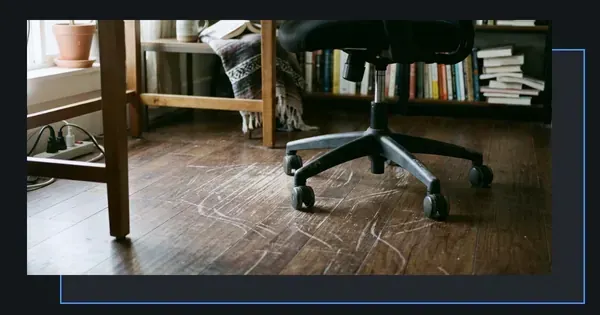 Workspace MaintenanceChair Damage to Wooden Floors – Four Protectors That Keep Surfaces Intact
 Desk TypesCorner Desk or Straight Desk: Four Ways to Match the Shape to Your Room
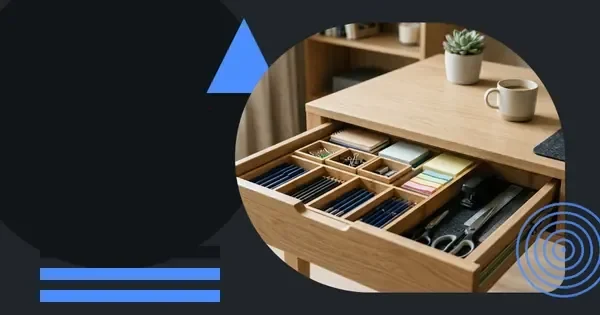 Organisation TipsOrganise desk drawers once and start every working day with a clear surface
 Workspace MaintenanceCaring for wooden desks: six steps to preserve finish and grain
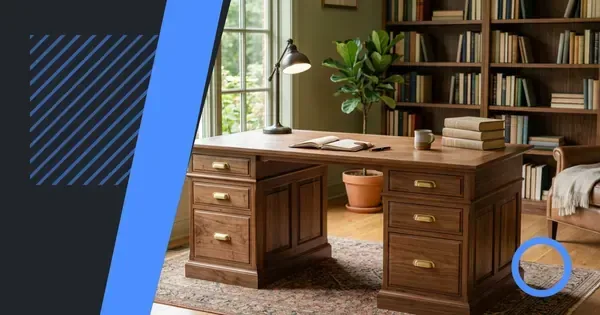 Desk TypesPedestal desk: drawers both sides and the workspace they create
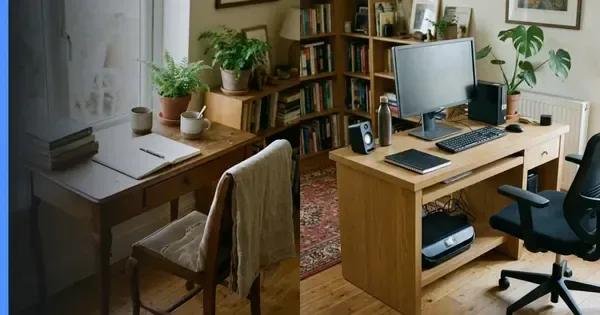 Desk TypesWriting desk vs computer desk: depth, storage and cable access compared
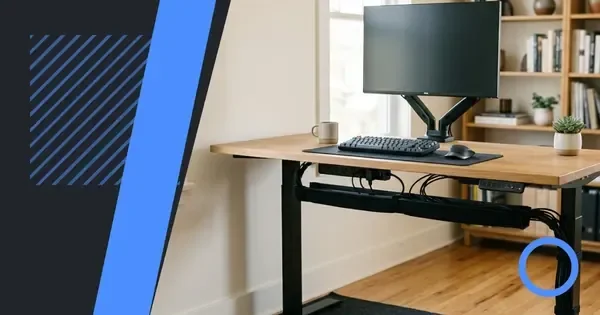 Desk TypesCable Management for Office Desks – Five Practical Ways to Keep Leads Tidy
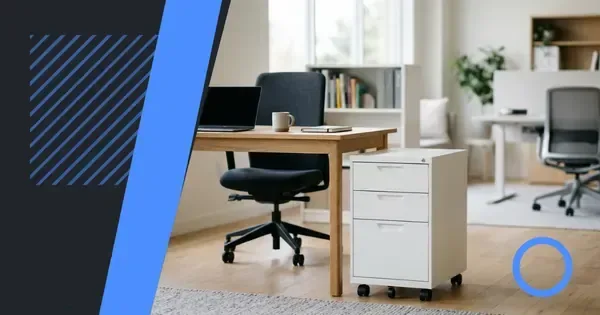 Storage SolutionsMobile pedestals: flexibility and security weighed against stability
 Space PlanningFitting a desk in a small room: 6 placement ideas that preserve space
 Ergonomics & SetupFinding the Right Desk Height for Your Setup – Six Practical Steps
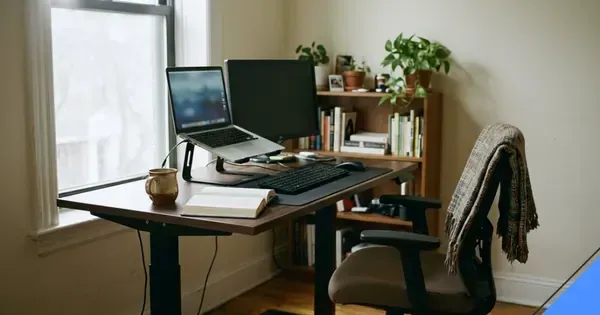 Desk TypesSit-stand desks: mechanism types and the working habits that benefit most
Desk Types
- Desk TypesDesk dimensions for two monitors: width, depth and the reach that matters
- Desk TypesCorner Desk or Straight Desk: Four Ways to Match the Shape to Your Room
- Desk TypesPedestal desk: drawers both sides and the workspace they create
- Desk TypesWriting desk vs computer desk: depth, storage and cable access compared
Workspace Maintenance
Is your desk making your work harder than it should be? Office desks and storage solutions can give you a comfortable place to work and a clear system for keeping essentials close at hand. This guide helps you assess your space, choose practical furniture and build a layout that supports the work you actually do.
The essentials of a workable desk
A useful desk begins with the job it needs to do. Writing, typing, editing, meeting and equipment storage each place different demands on the space, so a single layout cannot suit every workplace.
Start by identifying what must sit on or beneath the desk. Your daily essentials may include a computer, documents, writing tools, lighting and charging equipment. Anything used only occasionally has a better home somewhere else.
Comfort before features
Choose a desk height that lets you work without hunching or stretching. Your forearms should rest comfortably while your shoulders stay relaxed, and your feet should remain supported when you are seated. An adjustable desk can help you change position, but the right setting comes from your body rather than a preset.
Desk depth matters too. A deeper surface gives you room to move a keyboard and mouse without crowding your forearms. A shallower design may suit a compact office, especially when a separate laptop stand or monitor arm keeps the screen at a comfortable height.
Size matched to the room
Measure the usable area before choosing furniture. Leave enough space to pull out your chair, open drawers and walk behind the desk without bumping into anything. This also prevents an attractive desk from becoming impractical once it is installed.
For a home office, a dedicated corner can work well when circulation around it remains clear. In a shared workplace, check whether the desk can be divided into individual zones, with each person having a defined place for work and storage.
| Workspace need | Useful starting point | Common mistake to avoid |
|---|---|---|
| Focused computer work | Clear central work area with adjustable screen position | Placing the keyboard and mouse at the edge of the desk |
| Paper-heavy work | Separate surface or organised storage beside the main desk | Allowing loose documents to collect around the working zone |
| Meetings and calls | Desk with enough depth for notes and a screen | Turning a cramped desk into a permanent meeting space |
| Shared workplace | Individual desk zones with defined storage | Leaving personal items in shared circulation space |
Building a comfortable working position
Comfort comes from the relationship between the desk, chair, screen and your movements. No single piece of equipment can compensate for an unsuitable layout, so treat the whole arrangement as a single system.
Sit at the centre of the main work area rather than twisting towards a side screen. Keep the screen directly in front of you, with the upper part of the display around eye level. If you use two screens, place the main screen straight ahead and treat the second as a supporting display.
- Clear the desk and place only your current task within easy reach.
- Set the chair so your hips are slightly higher than your knees and your lower back is supported.
- Position the keyboard close enough that your elbows remain near your sides.
- Adjust the screen until you can look forward without tipping your head upwards.
- Check that your feet are supported and that your shoulders can relax.
Light before accessories
Good lighting reduces the need to lean towards your work. Position the main light to one side rather than directly behind you, where it can create glare on the screen. A desk lamp is useful for focused tasks, provided it lights the work surface without reflecting into your eyes.
Manage cables before adding more equipment. A tray beneath the desk can keep power adapters off the floor, while reusable ties can stop leads gathering around the leg area. Leave enough slack in each cable to move the chair without pulling it.
Storage systems that stay usable
Storage works best when it matches how you use your materials. Decorative boxes are of little value if you cannot see what they contain or reach the right item without emptying another box first.
Label broad categories rather than every small item. Clear labels make it easier to return objects and identify what belongs in each part of the system. Transparent fronts can reduce the need to label, but the labels should still tell you what to expect when the contents are hidden.
Choosing storage by access
Items used every day belong within arm's reach or in a nearby drawer. Materials needed only occasionally can sit farther away. Rarely used records and spare equipment need protection, but they should not occupy the most accessible space in the room.
This distinction is particularly useful in a small office. A drawer tower may provide more capacity than a wide filing cabinet, while a narrow mobile unit can be moved when you need to clean or reconfigure the floor area.
Vertical space
Shelves and wall-mounted storage can add capacity without widening the desk. Use them for reference materials, equipment or supplies that do not need constant access. Fix wall units securely and keep heavier items on lower shelves.
Do not let vertical storage turn into an unfinished storage tower. Leave enough room to retrieve an item without climbing or pulling everything down. A shelf is more useful when its intended arrangement is clear.
Setting out the desk area
A good layout reduces unnecessary movement. Keep the main task in the centre and secondary tasks around it, with storage arranged by frequency of use. This makes the workspace easier to reset at the end of the day.
Place incoming work on one side and completed or stored work on another. This simple division stops every active document from gathering in the same area. It also gives you an immediate indication when something needs filing.
Use trays only when they move an item through a clear process. A vertical pile of trays can create the appearance of organisation while making the active document harder to find. For most work, one open tray and one labelled storage tray will do more than a complicated arrangement.
A repeatable end-of-day routine
Five purposeful actions can keep tomorrow's workspace ready. Clear the main surface, return tools and documents, note the next task, remove cups and food waste, and check that charging leads are connected to the equipment that needs them.
Keep this routine proportional. If resetting the desk takes too long, you have probably asked it to hold too many unrelated items. Make the routine easier by improving the storage first.
Common mistakes in office storage
Most storage problems come from collecting more than the system was designed to hold. Extra capacity can postpone the decision about what to keep, but it does not remove the need for a clear category.
Avoid using the floor beneath the desk as permanent storage. Boxes placed there can collect dust, restrict leg movement and make cleaning harder. Keep only items that genuinely need to stay there.
- Storing similar items in several places because their original containers are nearby.
- Using labels such as “miscellaneous”, which leave you to work out the contents again.
- Keeping unused supplies where they compete with active materials.
- Placing frequently used documents in high or deep storage.
- Allowing cable trays and drawers to become obstructed.
When to change the system
Revise your setup when you regularly search for the same item, clear a surface only to find it again, or struggle to access stored materials. These are signs that the arrangement does not match your work, not simply signs that you need more equipment.
Make one change at a time and use the space for a working period before deciding whether it helps. Layouts often improve through small adjustments rather than a complete replacement.
Desk and storage options
The right option depends on whether your priorities are flexibility, capacity, appearance or a combination of these. A good choice supports the available space without creating a demanding setup.
For a permanent workstation, a fixed desk can offer a stable surface and a straightforward cable route. An adjustable desk gives you more freedom to change position, though it needs room for the frame and a clear approach to the controls. A corner desk makes good use of a rectangular room, but its depth can limit legroom.
Storage can sit within the desk, beside it or on the wall. Under-desk drawers are convenient because they remain in the work zone, while separate units can expand capacity when the desk surface needs to stay clear. Open shelving supports visual access, whereas closed cupboards protect documents and reduce visible clutter.
| Option | Best suited to | Consider first |
|---|---|---|
| Fixed desk | A permanent workstation with a predictable setup | Surface size, legroom and cable management |
| Adjustable desk | Work that benefits from frequent position changes | Adjustment range and stability |
| Corner desk | Using two walls efficiently | Depth, reach and corner storage |
| Modular desk system | Spaces that may change or expand | Connector quality and rearrangement effort |
| Open shelving | Materials that benefit from visibility | Order, capacity and stability |
| Closed storage | Documents and supplies needing visual order | Internal divisions and labels |
Choosing furniture that will last
Durability depends on construction, fit and intended use rather than appearance alone. Check that the desk is stable at the height and position you intend to use. Look at drawer runners, shelf supports, cable fittings and any moving parts.
Measure your route to the work area before ordering a large unit. A desk that fits its intended position but cannot pass through the doorway or around a corner creates an immediate problem. Record the tightest measurements before making a final choice.
Consider maintenance as well. Surfaces that wipe clean are useful in busy spaces, while open storage needs regular tidying. Choose finishes and materials that can cope with your normal working routine without excessive care.
Buying for present needs
Start with what you use now, but leave room for sensible growth. A modular arrangement can be more practical than a unit designed around a hypothetical future. Avoid buying extra storage simply because a product includes several compartments.
Test the main working position before the furniture becomes part of the room. Sit at it, place your screen and keyboard in position, and check whether you can reach your materials without stretching. If you cannot, the layout needs changing before small accessories are added.
Small workplace planning
A small workplace needs defined areas for focused work, communication, storage and movement. These functions do not all have to occupy separate rooms. Clear boundaries and sensible storage can make one open area serve several purposes.
Give each workstation enough personal space to work without another person's belongings encroaching upon it. Shared resources should have a designated home, such as a central cupboard for printer paper or a trolley for presentation equipment. This prevents small shared items from spreading across every surface.
Keep clear routes between the entrance, seating and shared facilities. An accessible aisle also makes it easier to clean and move equipment. Where privacy matters, consider acoustic separation or visual screening before adding more furniture.
Shared-space responsibilities
Make ownership clear when several people use the same area. Individual drawers and labelled shelves help people return materials to the right place. A short list of shared expectations can cover resetting surfaces, restocking paper and reporting faults.
Regularly remove items that no longer have a clear user or purpose. Storage works best when everyone can tell why an object is being kept and where it belongs.
Improving a temporary workspace
You do not always need new furniture to make a workspace more effective. Repositioning the desk, adding a vertical shelf or clearing a drawer can reveal unused capacity. Begin with changes that cost little and do not require new tools or building work.
Use existing surfaces more deliberately. A wall or shelf near the desk can become the home for materials that otherwise occupy valuable working space. A narrow trolley can hold items awaiting action and then move out of the way when you need clear floor space.
Improve the atmosphere through order and light rather than adding more objects. A workspace with fewer visual distractions can feel calmer, even when the furniture is unchanged.
Making the system easy to maintain
A workspace works best when keeping it organised takes little effort. Put things back where their use begins, and make each storage category obvious. A system that requires constant reinterpretation will eventually be abandoned.
Review the main work area regularly and remove objects that have no clear purpose. Check whether anything has migrated to a new location outside its designated home. Small corrections prevent the desk from becoming cluttered again.
When you buy additional storage, match it to a category that already needs space. This avoids filling a new unit with miscellaneous items while leaving a useful drawer half empty.
Where to go next
The most useful office desks and storage solutions begin with an honest look at your daily work. Measure the space, identify what belongs within reach and choose storage that makes the right item easy to retrieve. You can improve a room in stages, testing each change before committing to a larger purchase.
Keep the main surface clear enough for the task in front of you. Use nearby storage for daily materials and separate areas for shared or occasional items. If something does not have a defined home, give it one before adding more equipment.
Your workspace reset
Make a small start today: clear one section of the desk and decide what deserves to remain. These actions can take less than a short planning session.
- Measure the desk area and its access route.
- Group loose documents and everyday tools by use.
- Assign a home to each type of storage item.
- Test your seating and screen position before buying accessories.
Frequently asked questions
Can office desks and storage solutions work in a small room?
Yes, provided you measure the available space and maintain a clear route around the furniture. Compact desks, vertical storage and mobile units can add useful capacity without filling the floor.
How do I choose a desk that will not become cluttered?
Choose a surface with enough room for your main task and give other materials a defined home nearby. Keep the central working area limited to items you use during the current task.
What storage is best for paperwork in a home office?
Use clearly labelled folders or drawers for documents you need regularly, with closed storage for records that should stay protected. Keep active paperwork close to the desk and archive material elsewhere.
How can I improve a desk without replacing it?
Begin by clearing unused items, repositioning the screen and moving frequently needed materials within reach. Add a small organiser, shelf or under-desk tray only after identifying the specific shortage.
How should I plan office desks and storage solutions for several people?
Give each person a defined workstation and personal storage area. Keep shared supplies in a central location, leave clear circulation routes and make it obvious where common items should be returned.
What should I check before buying a desk for a small workplace?
Check the desk dimensions, stability, legroom and route into the room before ordering. Also consider where shared equipment will sit and whether drawers or shelves will obstruct the working position.